
Wydawca: 16

Anatomia. 100 ćwiczeń dla rowerzystów
Guillermo Seijas
Książka przeznaczona jest dla rowerzystów w każdym wieku i na każdym poziomie zaawansowania. Znajdą tu oni praktyczną wiedzę o technikach ćwiczeń rozciągających i regeneracyjnych, prawidłowej postawie, sprzęcie i bezpieczeństwie.
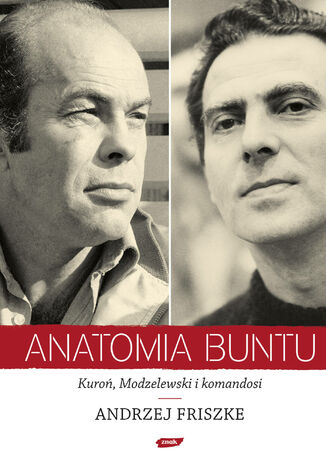
Andrzej Friszke
Przełomowa książka jednego z najwybitniejszych polskich historyków! Obraz antykomunistycznej opozycji został zdominowany przez wielkie, masowe wystąpienia. Poznański Czerwiec, warszawski Marzec i Solidarność to zdarzenia, które wymieniamy jednym tchem, gdy ktoś zapyta nas o to, jak doszło do upadku komunizmu. Od lat buduje się obraz powszechnego - narodowego - oporu. To obraz wygodny i chwalebny, ale czy prawdziwy? Nie ma w nim miejsca dla bohaterów. Nie mieszczą się w nim ludzie, którzy stawiali opór komunistycznej władzy w samotności. Otoczeni murem niezrozumienia, a nierzadko wrogości. Podsłuchiwani, śledzeni, więzieni i upokarzani. Myślenie o nich jest kłopotliwe, bo każe nam zastanawiać się nad własną postawą. Wciąż burzą nasz spokój i zmuszają do refleksji. W Anatomii buntu Andrzej Friszke, próbuje przełamać utarty i uproszczony obraz naszych najnowszych dziejów. Świetne pióro autora, nowatorskie podejście do źródeł (w tym także tych zgromadzonych w IPN) i przede wszystkim grono niezwykłych osób, jakie spotkamy na kartach tej książki, sprawiają, że jej lektura to przygoda z historią Polski. To najważniejsza książka o Polsce i Polakach od przełomu 1989 roku.
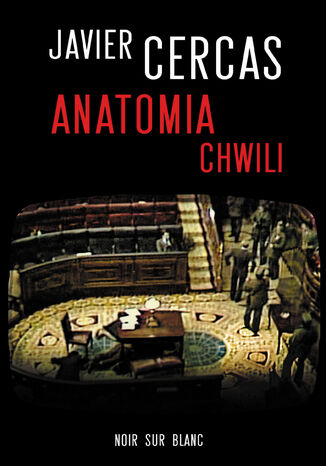
Javier Cercas
Anatomia chwili łączy w sobie dokument, esej i powieść. Autor szczegółowo analizuje mechanizmy i przebieg nieudanego zamachu stanu w Hiszpanii 23 lutego 1981 r. Przy tej okazji przedstawia spory fragment najnowszej historii Hiszpanii, starając się oczyścić ją z pokrzepiających mitów i zaciemniających obraz fałszerstw, tak chętnie kultywowanych przez minione dziesięciolecia. Książka, wyróżniona nagrodą dla najlepszej powieści, wygrała też w rankingu dziennika El País na najlepszą książkę roku 2010 .
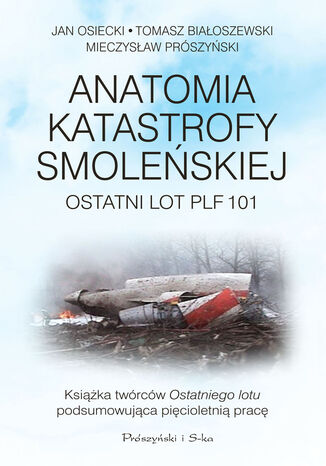
Anatomia katastrofy smoleńskiej. Ostatni lot PLF 101
Jan Osiecki, Tomasz Białoszewski, Mieczysław Prószyński
Po pięciu latach od katastrofy jest już oczywiste, że to niestety! piloci doprowadzili w pełni sprawny samolot do zderzenia z ziemią. Nie jest to jednak wyłącznie ich wina. Za plecami załogi stał generał Andrzej Błasik, który nie po to pojawił się w kokpicie, by biernie przyglądać się lądowaniu Jednak lot ku śmierci z 10 kwietnia 2010 roku zaczął się na wiele lat przed startem. Do tej katastrofy doprowadziły kolejne ekipy polityków, wojskowych i w końcu coraz słabiej wyszkolonych pilotów z 36 SPLT. Ta książka stanowi podsumowanie naszej pięcioletniej pracy. Wykorzystaliśmy w niej informacje, które zebraliśmy, przygotowując serię Ostatni lot, ale także zupełnie nowe dane, zdobyte dzięki kolejnym informatorom i kolejnym ujawnionym materiałom. Dosłownie w ostatniej chwili uwzględniliśmy również transkrypcję zapisu rozmów w kabinie pilotów wykonaną w latach 2014-2015 przez biegłych prokuratury wojskowej. Dzięki temu możemy dzisiaj dokładniej przybliżyć Czytelnikowi przyczyny, które przez lata składały się na to, co wydarzyło się mglistym rankiem 10 kwietnia 2010 roku w okolicach lotniska Siewiernyj w Smoleńsku.
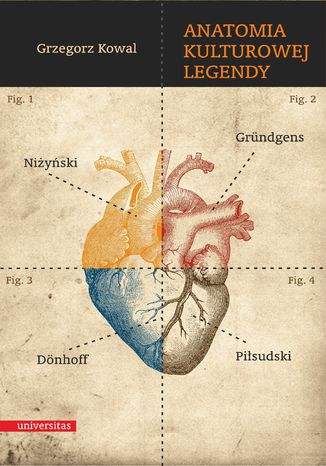
Anatomia kulturowej legendy. Niżyński - Gründgens - Dönhoff - Piłsudski
Grzegorz Kowal
Analiza legendy kulturowej sprowadza się do uwzględnienia okoliczności jej powstawania oraz do określenia funkcji, jakie przyjdzie jej pełnić. Za przykład legendy tego rodzaju uznać można Jerzego Kukuczkę – legendę polskiej i światowej himalaistyki. Proces krystalizacji legendy warunkują nie tylko zalety, przymioty i dokonania wybranej jednostki. Niepowtarzalna wiązka cech osobowościowych wystarczy do obwołania człowieka autorytetem, zasada ta jednak nie zawsze sprawdza się w odniesieniu do postaci uznanych za legendarne. Współdecydujące w owym procesie okazuje się bowiem społeczne zapotrzebowanie. Człowiek legenda upodabnia się przez to do wychowawcy – w znaczeniu, jakie słowu temu nadał Janusz Korczak. Gdy pierwszy z nich kształtuje dzieje i jest zarazem przez nie kształtowany, drugi staje się podmiotem i przedmiotem wychowania. Legenda kulturowa to zespół opinii na temat jednostki wyróżniającej się na tle grupy, których popularyzacji sprzyjają media i sztuka – w procesie tym faktografia ma znaczenie drugorzędne. Takie zdefiniowanie legendy kulturowej oznacza, że poza grupami szczególnie zainteresowanymi kreowaniem i szerzeniem tego typu narracji muszą pojawić się odbiorcy skłonni narzucany obraz przyjąć. W ten sposób w legendzie ujawnia się powrót do archaicznego mitu: logos zostaje wyparty przez sugestywność nadawców i wiarę odbiorców. Jest to wiara wbrew faktom i rozsądkowi, na przekór naukowym ustaleniom i namacalnym dowodom.
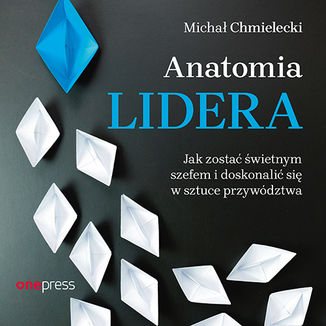
Anatomia lidera. Jak zostać świetnym szefem i doskonalić się w sztuce przywództwa
Michał Chmielecki
Każdego dnia podejmujemy decyzje w odniesieniu do osobistego zestawu założeń i wartości. To one kształtują nasz styl przywództwa i podejście do niego. Czy faktycznie są słuszne? Czy tylko nam się wydaje, że takie są? Dziś w dążeniu do tego, by efektywnie kierować firmą i zbudować świetny, zmotywowany zespół, nie ma miejsca na uczenie się na własnych błędach. Dzięki tej książce, będącej owocem bogatego doświadczenia autora, poznasz odpowiedzi na najważniejsze pytania nurtujące tych, którzy przewodzą innym. Z pewnością docenisz tę publikację, jeśli lubisz praktyczne podejście i poszukujesz wskazówek, które można natychmiast wprowadzić w życie. Skorzystaj z nich, by dzień po dniu stawać się lepszym liderem!
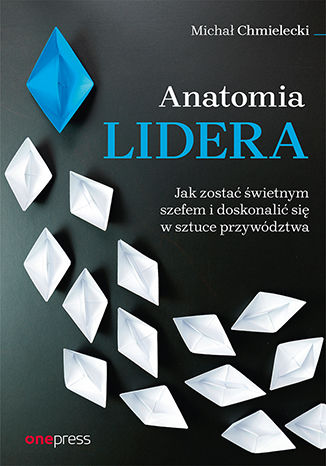
Anatomia lidera. Jak zostać świetnym szefem i doskonalić się w sztuce przywództwa
Michał Chmielecki
Każdego dnia podejmujemy decyzje w odniesieniu do osobistego zestawu założeń i wartości. To one kształtują nasz styl przywództwa i podejście do niego. Czy faktycznie są słuszne? Czy tylko nam się wydaje, że takie są? Dziś w dążeniu do tego, by efektywnie kierować firmą i zbudować świetny, zmotywowany zespół, nie ma miejsca na uczenie się na własnych błędach. Dzięki tej książce, będącej owocem bogatego doświadczenia autora, poznasz odpowiedzi na najważniejsze pytania nurtujące tych, którzy przewodzą innym. Z pewnością docenisz tę publikację, jeśli lubisz praktyczne podejście i poszukujesz wskazówek, które można natychmiast wprowadzić w życie. Skorzystaj z nich, by dzień po dniu stawać się lepszym liderem!

Anatomia ludzkiej destrukcyjności
Erich Fromm
Jedna z najważniejszych książek XX wieku. Anatomia ludzkiej destrukcyjności jest obszernym studium zjawiska, które określa się krótkim terminem zło. Zamierzona została jako wypowiedź polemiczna wobec behawioryzmu i instynktywizmu, a jednocześnie jako rewizjonistyczne rozwinięcie poglądów Freuda z okresu, gdy wprowadził pojęcie popędu śmierci. Fromm zmierza do kulturowego ujęcia tematu od strony typologii charakterologicznej oraz wytłumaczenia sensu złośliwej i niezłośliwej agresji. Niejako po drodze dostarcza psychoanalitycznych portretów wielkich zbrodniarzy XX wieku: Stalina, Himmlera i Hitlera. Anatomia ludzkiej destrukcyjności jest nie tylko jedną z najważniejszych prac Ericha Fromma, ale i jedną z najważniejszych książek XX wieku i o XX wieku. Spostrzeżenia, podsumowania, siła oddziaływania argumentów, a także głęboki humanizm autora nadają jej nieprzemijającą wartość, która przemawia do czytelnika z równą mocą w wieku XXI.