
Publisher: 24
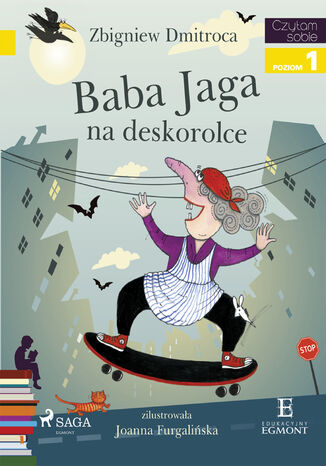
I am reading - Czytam sobie. Baba Jaga na deskorolce
Zbigniew Dmitroca
Czasem nawet Baba Jaga ma w nocy koszmary. Pewnego razu śniło jej się, że zniknęła jej wielofunkcyjna miotła. Kiedy się obudziła miotły naprawdę nie było! To nie sen, to prawda. Ale sprytna Baba Jaga udała się do sklepu i zaopatrzyła w zupełnie nowy sprzęt. Zupełnie zapomniała o swojej miotle Przekonaj się o tym razem ze swoim dzieckiem, w przyjemny sposób wspierając jego naukę czytania. Seria "Czytam sobie. Poziom I" został stworzony z myślą o najmłodszych czytelnikach, którzy dopiero rozpoczynają swoją przygodę z czytaniem. Proste, wciągające historie, wyraźne i duże literki, wprowadzą Twoje dziecko w świat niesamowitych wydarzeń i zachęcą do samodzielnego czytania. Pierwszy poziom edukacyjnej serii zawiera w tekście 150-200 słów. To krótkie, proste zdania, wykorzystujące 23 podstawowe głoski. Dzięki wyróżnionym wyrazom dziecko uczy się głoskowania. Na początku każdej książeczki dziecko znajdzie trzy pytania, na które może odpowiedzieć po jej przeczytaniu. W ten sposób ćwiczy ono pamięć, ale przede wszystkim umiejętność opowieści. Książeczka przeznaczona jest dla czytelników w wieku od 5 do 7 lat, a cała seria "Czytam sobie" powstała w oparciu o konsultacje z metodykami nauczania.
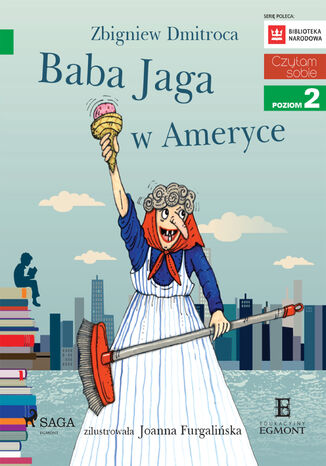
I am reading - Czytam sobie. Baba Jaga w Ameryce
Zbigniew Dmitroca
Przygody energicznej starszej pani z dawką absurdalnego humoru stanowią doskonałą propozycję dla dzieci, które kontynuują naukę samodzielnego czytania. Lektura "Baby Jagi w Ameryce" zapewnia czytelnikom kosmos doznań: rodzinną tajemnicę, zagadkę do rozwikłania, szalone przygody, nieoczekiwane zwroty akcji, dzikie zwierzęta, tornado, nowojorską policję, a nawet duchy! Nie zdradzimy zbyt wiele mówiąc, że przy tym wszystkim można liczyć na szczęśliwe zakończenie. Dawka adrenaliny i dużo powodów do śmiechu sprawiają, że młodzi czytelnicy pochłaniają książkę jednym tchem! I o to chodzi! "Czytam sobie" to bestsellerowa seria skierowana do dzieci w wieku 5-7 lat. Trzypoziomowy program literacki wspiera samodzielną naukę czytania u najmłodszych. Autorami tekstów są wybitny polscy pisarze i poeci, a całości dopełniają ilustracje na najwyższym poziomie. Książki z drugiego poziomu serii oswajają dzieci z dłuższymi zdaniami, a także wprowadzają elementy dialogu. Bardzo duża czcionka ułatwia czytanie, a zamieszczone obok tekstu ramki pozwalają ćwiczyć sylabizowanie. Teksty składają się z 800-900 wyrazów. Zawierają 23 podstawowe głoski oraz "h" i występują w nich zdania złożone. Seria "Czytam sobie" została przygotowana zgodnie z zaleceniami metodyków.
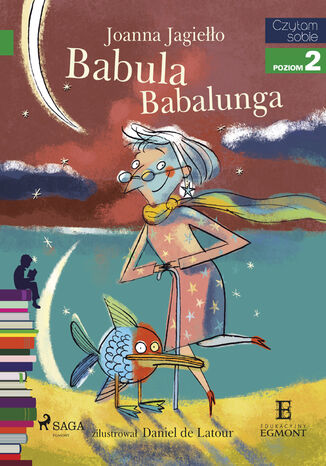
I am reading - Czytam sobie. Babula Babalunga
Joanna Jagiełło
To lato nie należało do udanych. Cały czas tylko padało, padło i jeszcze raz padało. Ola z Frankiem okropnie się nudzili. Na dodatek do ich domu, kwatery nad Modrym Stawem, przestali przyjeżdżać wakacyjni turyści. Mamie zaczynało brakować pieniędzy. Wszystko zmienia się w dniu, w którym Ola odbiera z dworca starszą panią o imieniu Babula Babalunga. Tajemniczą, wesołą staruszkę z ogromną ilością bagażu, która postanawia wynająć pokój w domu dziewczynki. Razem z pojawieniem się nad Modrym Stawem Babuli Babalungi zaczynają się dziać dziwne rzeczy. A starsza pani skrywa pewną tajemnicę. Ola i Franek postanawiają ją odkryć... To, czego się dowiedzą naprawdę ich zaskoczy! Przekonaj się o tym razem ze swoim dzieckiem, w przyjemny sposób wspierając jego naukę czytania. Seria Czytam sobie. Poziom II" została stworzona z myślą o najmłodszych czytelnikach, którzy mają już pierwszy poziom nauki za sobą. Proste, wciągające historie, wyraźne i duże literki, wprowadzą Twoje dziecko w świat niesamowitych wydarzeń i zachęcą do samodzielnego czytania. Drugi poziom edukacyjnej serii zawiera 800-900 słów w tekście, wykorzystując 23 podstawowe głoski oraz literkę h". Na początku każdej książeczki dziecko znajdzie trzy pytania, na które może odpowiedzieć po jej przeczytaniu. W ten sposób ćwiczy ono pamięć, ale przede wszystkim umiejętność opowieści. Książeczka przeznaczona jest dla czytelników w wieku od 5 do 7 lat, a cała seria Czytam sobie" powstała w oparciu o konsultacje z metodykami nauczania.
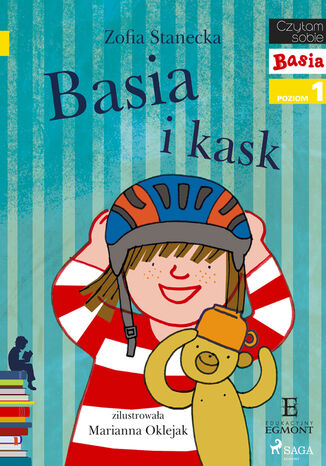
I am reading - Czytam sobie. Basia i Kask
Zofia Stanecka
Janek dostaje nowy kask na rower, na rolki taki, który ma chronić jego głowę. Basia również chciałaby go mieć, dlatego próbuje zrobić swój. Ubiera więc na głowę różne, dziwne przedmioty a to karton, a to garnek. Te przymiarki nie kończą się dla niej zbyt dobrze. Na ratunek przychodzi mama. Czy Basia będzie miała swój kask?
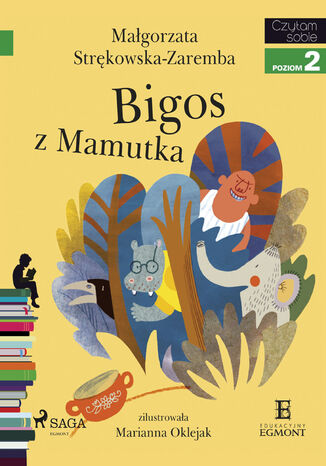
I am reading - Czytam sobie. Bigos z Mamutka
Małgorzata Strękowska-Zaremba
Mamutek był bardzo odważny. Lubił noc i późne spacery po Srebrnym Lesie. Kiedy inne zwierzęta spały, on chciał się bawić. Był naprawdę dzielny. Nie bał się nikogo i niczego! Nawet złego wiatru, który hulał wieczorami. Aż któregoś razu Mamutek rozgniewał huragan, a ten porwał go bardzo, bardzo daleko... Gdzie jest Mamutek? Grozi mu wielkie niebezpieczeństwo! Wszędzie czai się Łysy Tłuk z ogromnym garem na bigos, który chce ugotować Mamutka. Wrona i Hipo, jego przyjaciele, ruszają na poszukiwania. Czy odnajdą małego Mamutka? Czy zdążą przed Łysym Tłukiem? Jak to się wszystko skończy? Poznaj odpowiedź razem ze swoim dzieckiem, w przyjemny sposób wspierając jego naukę czytania. Seria Czytam sobie. Poziom II" została stworzona z myślą o najmłodszych czytelnikach, którzy pierwszy poziom nauki mają już za sobą. Proste, wciągające historie, wyraźne i duże literki, wprowadzą Twoje dziecko w świat niesamowitych wydarzeń i zachęcą do samodzielnego czytania. Drugi poziom edukacyjnej serii zawiera 800-900 wyrazów, bardziej rozbudowane zdania, elementy dialogów i ramki z wyrazami do sylabizowania. Do zbudowania opowieści wykorzystane zostały 23 podstawowe głoski plus głoska h", którą dziecko poznaje w trakcie lektury. Książeczka przeznaczona jest dla czytelników w wieku od 5 do 7 lat, a cała seria Czytam sobie" powstała w oparciu o konsultacje z metodykami nauczania.
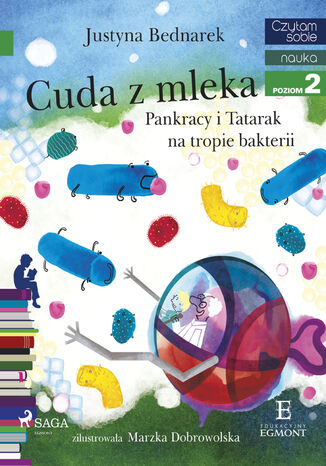
I am reading - Czytam sobie. Cuda z mleka - Pankracy i Tatarak na tropie bakterii
Justyna Bednarek
Pankracy to bardzo mały chłopiec, któremu trudno było dosięgnąć wielu rzeczy. Bardzo, ale to bardzo chciał być duży. Dostał więc od mamy bidon z mlekiem do szkoły, o którym... zapomniał. Kiedy wrócił po niego na drugi dzień, mleko miało inny smak. O tym, dlaczego tak się stało i co to znaczy, opowiedział mu pan profesor Tatarak wielki znawca biologii. Mały Pankracy razem z nim wsiada do magicznej kapsuły i rusza w ekscytującą podróż, żeby poznać świat bakterii. Przekonaj się o tym razem ze swoim dzieckiem, w przyjemny sposób wspierając jego naukę czytania. Seria "Czytam sobie. Poziom II" została stworzona z myślą o najmłodszych czytelnikach, którzy mają już pierwszy poziom nauki za sobą. Proste, wciągające historie, wyraźne i duże literki, wprowadzą Twoje dziecko w świat niesamowitych wydarzeń i zachęcą do samodzielnego czytania. Drugi poziom edukacyjnej serii zawiera 800-900 słów w tekście, wykorzystując 23 podstawowe głoski oraz literkę "h". Na początku każdej książeczki dziecko znajdzie trzy pytania, na które może odpowiedzieć po jej przeczytaniu. W ten sposób ćwiczy ono pamięć, ale przede wszystkim umiejętność opowieści. Książeczka przeznaczona jest dla czytelników w wieku od 5 do 7 lat, a cała seria "Czytam sobie" powstała w oparciu o konsultacje z metodykami nauczania.
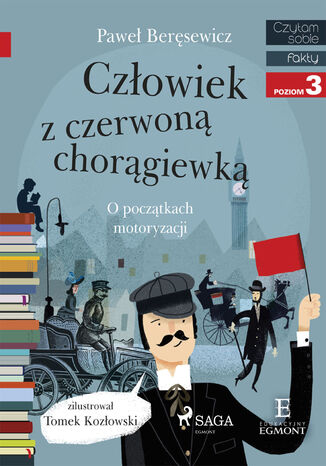
I am reading - Czytam sobie. Człowiek z czerwoną chorągiewką
Paweł Beręsewicz
Czy wiecie kim był dawniej człowiek z czerwoną chorągiewką? Mały chłopiec opowiada o tym, jak jego ojciec w 1880 służył na dworze Lorda Archibalda. Lord bardzo lubił przejażdżki swoim powozem bez koni. A przed nim kroczył tata bohatera z czerwoną chorągiewką. Dlaczego? Co ona komunikowała przechodniom? Tak mijał czas, a na ulicach pojawiły się automobile, potem pojazdy spalinowe, a potem pierwsze samochody. Następnie zniknęły czerwone chorągiewki i pojawiły się... no właśnie, jak myślicie co było potem? Paweł Beręsewicz zabiera dzieci w fascynującą podróż do świata i historii motoryzacji. Przekonaj się o tym razem ze swoim dzieckiem, w przyjemny sposób wspierając jego naukę czytania. Seria "Czytam sobie. Poziom III" została stworzona z myślą o najmłodszych czytelnikach, którzy mają już za sobą dwa poziomy nauki. Proste, wciągające historie, wyraźne i duże literki, wprowadzą Twoje dziecko w świat niesamowitych wydarzeń i zachęcą do samodzielnego czytania. Trzeci poziom edukacyjnej serii zawiera 2500-2800 wyrazów w tekście, zdania dłuższe i wielokrotnie złożone; wykorzystuje wszystkie głoski, zawiera słownik trudnych wyrazów dotyczących danej historii. Na początku każdej książeczki dziecko znajdzie trzy pytania, na które może odpowiedzieć po jej przeczytaniu. W ten sposób ćwiczy ono pamięć, ale przede wszystkim umiejętność opowieści. Książeczka przeznaczona jest dla czytelników w wieku od 5 do 7 lat, a cała seria "Czytam sobie" powstała w oparciu o konsultacje z metodykami nauczania.
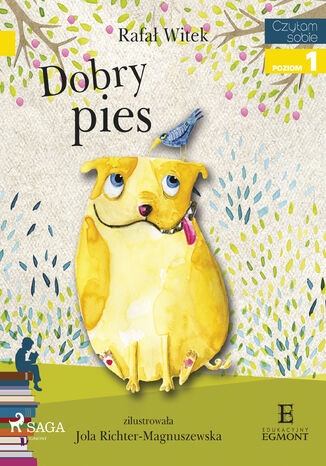
I am reading - Czytam sobie. Dobry pies
Rafał Witek
Pies Bazyl to najlepszy przyjaciel Natalki. Choć czasem to trudna przyjaźń, ponieważ Bazyl jest trochę niesfornym pieskiem. Żółty buldożek nie słucha swojej przyjaciółki i często robi jej na przekór. Za to baaaardzo lubi jeść i nie chce mu się wychodzić na spacery. Co począć z takim pieskiem? Natalka ma z Bazylem spore kłopoty, przez co wpada w złość. I nagle piesek znika, zapada noc, a dziewczynka zupełnie sama zostaje w parku... Czy znajdzie Bazyla? Przekonaj się o tym razem ze swoim dzieckiem, w przyjemny sposób wspierając jego naukę czytania. Seria "Czytam sobie. Poziom I" została stworzona z myślą o najmłodszych czytelnikach, którzy dopiero rozpoczynają swoją przygodę z czytaniem. Proste, wciągające historie, wyraźne i duże literki, wprowadzą Twoje dziecko w świat niesamowitych wydarzeń i zachęcą do samodzielnego czytania. Pierwszy poziom edukacyjnej serii zawiera w tekście 150-200 słów. To krótkie, proste zdania, wykorzystujące 23 podstawowe głoski. Wyróżnione graficznie wyrazy umożliwiają głoskowanie. Na początku każdej książeczki dziecko znajdzie trzy pytania, na które może odpowiedzieć po jej przeczytaniu. W ten sposób ćwiczy ono pamięć, ale przede wszystkim umiejętność opowieści. Książeczka przeznaczona jest dla czytelników w wieku od 5 do 7 lat, a cała seria "Czytam sobie" powstała w oparciu o konsultacje z metodykami nauczania.