
Publisher: Packt Publishing
Robert Dempsey
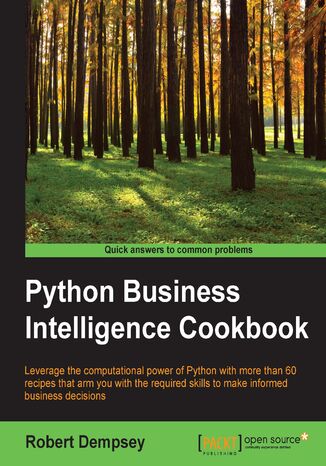
The amount of data produced by businesses and devices is going nowhere but up. In this scenario, the major advantage of Python is that it's a general-purpose language and gives you a lot of flexibility in data structures. Python is an excellent tool for more specialized analysis tasks, and is powered with related libraries to process data streams, to visualize datasets, and to carry out scientific calculations. Using Python for business intelligence (BI) can help you solve tricky problems in one go.Rather than spending day after day scouring Internet forums for “how-to” information, here you’ll find more than 60 recipes that take you through the entire process of creating actionable intelligence from your raw data, no matter what shape or form it’s in. Within the first 30 minutes of opening this book, you’ll learn how to use the latest in Python and NoSQL databases to glean insights from data just waiting to be exploited.We’ll begin with a quick-fire introduction to Python for BI and show you what problems Python solves. From there, we move on to working with a predefined data set to extract data as per business requirements, using the Pandas library and MongoDB as our storage engine.Next, we will analyze data and perform transformations for BI with Python. Through this, you will gather insightful data that will help you make informed decisions for your business. The final part of the book will show you the most important task of BI—visualizing data by building stunning dashboards using Matplotlib, PyTables, and iPython Notebook.
Avinash Navlani, Cornellius Yudha Wijaya
Data analysis enables you to generate value from small and big data by discovering new patterns, and Python is one of the most popular tools for analyzing a wide variety of data. With this book, you'll get up and running using Python for data analysis by exploring the different phases used in data analysis and learning how to use modern libraries from the Python ecosystem to create efficient data pipelines.Starting with the essential statistical and data analysis fundamentals using Python, you'll perform complex data analysis and modeling, data manipulation, data cleaning, and data visualization using easy-to-follow examples. You'll then understand how to conduct time series analysis and signal processing using ARMA models. As you advance, you'll get to grips with smart processing and data analytics using machine learning algorithms such as regression, classification, Principal Component Analysis (PCA), and clustering. You'll also work on real-world examples to analyze textual and image data using natural language processing (NLP) and image analytics techniques, respectively. Finally, the book will demonstrate parallel computing using Dask.By the end of this data analysis book, you'll be equipped with the skills you need to prepare data for analysis and create meaningful data visualizations for forecasting values from data.
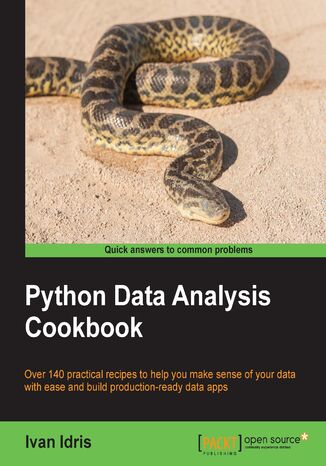
Python Data Analysis Cookbook. Clean, scrape, analyze, and visualize data with the power of Python!
Ivan Idris
Data analysis is a rapidly evolving field and Python is a multi-paradigm programming language suitable for object-oriented application development and functional design patterns. As Python offers a range of tools and libraries for all purposes, it has slowly evolved as the primary language for data science, including topics on: data analysis, visualization, and machine learning.Python Data Analysis Cookbook focuses on reproducibility and creating production-ready systems. You will start with recipes that set the foundation for data analysis with libraries such as matplotlib, NumPy, and pandas. You will learn to create visualizations by choosing color maps and palettes then dive into statistical data analysis using distribution algorithms and correlations. You’ll then help you find your way around different data and numerical problems, get to grips with Spark and HDFS, and then set up migration scripts for web mining.In this book, you will dive deeper into recipes on spectral analysis, smoothing, and bootstrapping methods. Moving on, you will learn to rank stocks and check market efficiency, then work with metrics and clusters. You will achieve parallelism to improve system performance by using multiple threads and speeding up your code.By the end of the book, you will be capable of handling various data analysis techniques in Python and devising solutions for problem scenarios.
Ivan Idris
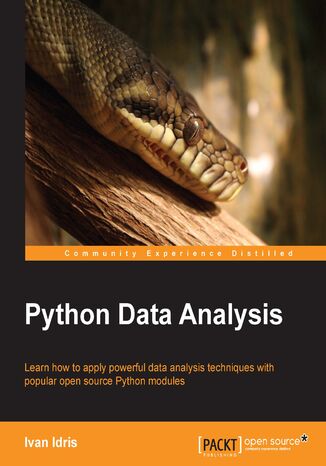
This book is for programmers, scientists, and engineers who have knowledge of the Python language and know the basics of data science. It is for those who wish to learn different data analysis methods using Python and its libraries. This book contains all the basic ingredients you need to become an expert data analyst.
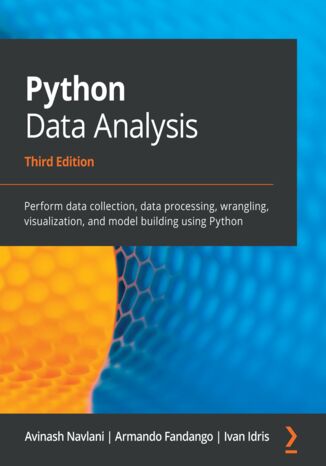
Avinash Navlani, Ivan Idris
Data analysis enables you to generate value from small and big data by discovering new patterns and trends, and Python is one of the most popular tools for analyzing a wide variety of data. With this book, you’ll get up and running using Python for data analysis by exploring the different phases and methodologies used in data analysis and learning how to use modern libraries from the Python ecosystem to create efficient data pipelines.Starting with the essential statistical and data analysis fundamentals using Python, you’ll perform complex data analysis and modeling, data manipulation, data cleaning, and data visualization using easy-to-follow examples. You’ll then understand how to conduct time series analysis and signal processing using ARMA models. As you advance, you’ll get to grips with smart processing and data analytics using machine learning algorithms such as regression, classification, Principal Component Analysis (PCA), and clustering. In the concluding chapters, you’ll work on real-world examples to analyze textual and image data using natural language processing (NLP) and image analytics techniques, respectively. Finally, the book will demonstrate parallel computing using Dask.By the end of this data analysis book, you’ll be equipped with the skills you need to prepare data for analysis and create meaningful data visualizations for forecasting values from data.
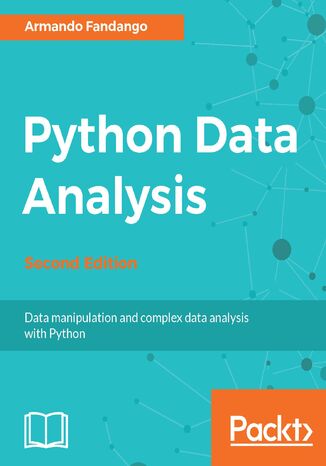
Armando Fandango
Data analysis techniques generate useful insights from small and large volumes of data. Python, with its strong set of libraries, has become a popular platform to conduct various data analysis and predictive modeling tasks. With this book, you will learn how to process and manipulate data with Python for complex analysis and modeling. We learn data manipulations such as aggregating, concatenating, appending, cleaning, and handling missing values, with NumPy and Pandas. The book covers how to store and retrieve data from various data sources such as SQL and NoSQL, CSV fies, and HDF5. We learn how to visualize data using visualization libraries, along with advanced topics such as signal processing, time series, textual data analysis, machine learning, and social media analysis.The book covers a plethora of Python modules, such as matplotlib, statsmodels, scikit-learn, and NLTK. It also covers using Python with external environments such as R, Fortran, C/C++, and Boost libraries.
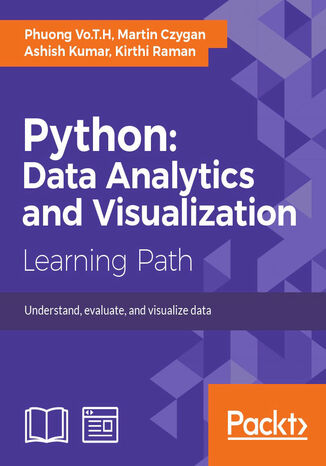
Martin Czygan, Phuong Vo.T.H, Ashish Kumar, Kirthi...
You will start the course with an introduction to the principles of data analysis and supported libraries, along with NumPy basics for statistics and data processing. Next, you will overview the Pandas package and use its powerful features to solve data-processing problems. Moving on, you will get a brief overview of the Matplotlib API .Next, you will learn to manipulate time and data structures, and load and store data in a file or database using Python packages. You will learn how to apply powerful packages in Python to process raw data into pure and helpful data using examples. You will also get a brief overview of machine learning algorithms, that is, applying data analysis results to make decisions or building helpful products such as recommendations and predictions using Scikit-learn. After this, you will move on to a data analytics specialization—predictive analytics. Social media and IOT have resulted in an avalanche of data. You will get started with predictive analytics using Python. You will see how to create predictive models from data. You will get balanced information on statistical and mathematical concepts, and implement them in Python using libraries such as Pandas, scikit-learn, and NumPy. You’ll learn more about the best predictive modeling algorithms such as Linear Regression, Decision Tree, and Logistic Regression. Finally, you will master best practices in predictive modeling.After this, you will get all the practical guidance you need to help you on the journey to effective data visualization. Starting with a chapter on data frameworks, which explains the transformation of data into information and eventually knowledge, this path subsequently cover the complete visualization process using the most popular Python libraries with working examplesThis Learning Path combines some of the best that Packt has to offer in one complete, curated package. It includes content from the following Packt products:? Getting Started with Python Data Analysis, Phuong Vo.T.H &Martin Czygan•Learning Predictive Analytics with Python, Ashish Kumar•Mastering Python Data Visualization, Kirthi Raman
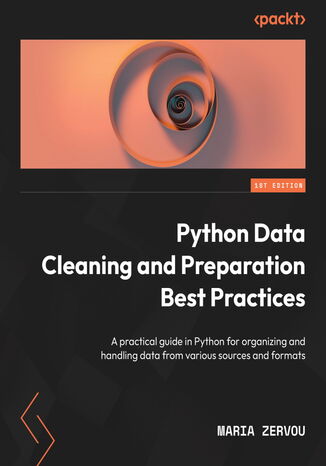
Maria Zervou
Professionals face several challenges in effectively leveraging data in today's data-driven world. One of the main challenges is the low quality of data products, often caused by inaccurate, incomplete, or inconsistent data. Another significant challenge is the lack of skills among data professionals to analyze unstructured data, leading to valuable insights being missed that are difficult or impossible to obtain from structured data alone.To help you tackle these challenges, this book will take you on a journey through the upstream data pipeline, which includes the ingestion of data from various sources, the validation and profiling of data for high-quality end tables, and writing data to different sinks. You’ll focus on structured data by performing essential tasks, such as cleaning and encoding datasets and handling missing values and outliers, before learning how to manipulate unstructured data with simple techniques. You’ll also be introduced to a variety of natural language processing techniques, from tokenization to vector models, as well as techniques to structure images, videos, and audio.By the end of this book, you’ll be proficient in data cleaning and preparation techniques for both structured and unstructured data.