
Gry, zabawy
Gudrun Dittrich, Ursula Hagedorn, Martina Neukirch-Seibert
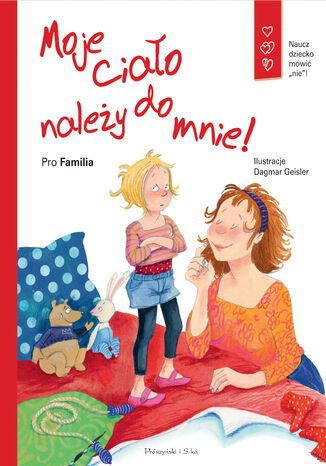
Naucz dziecko mówić nie! Złotówkę z każdego sprzedanego egzemplarza książki Moje ciało należy do mnie przekazujemy na rzecz Fundacji Dzieci Niczyje, organizatora akcji Zły Dotyk. Niełatwo nauczyć dziecko odwagi mówienia nie i wyznaczania granic zachowań innym osobom. Niełatwo jest również nauczyć dzieci, by zwracały się do nas o pomoc w sytuacjach, z którymi sobie nie radzą. Wspólna lektura tej książki ma pomóc rodzicom w rozmowach z dziećmi na temat złego dotyku. Ma też zbudować wzajemne zaufanie między dzieckiem a rodzicem, bo tylko wtedy dziecko będzie skłonne dzielić się z nim tym, co je zajmuje i boli. Dzieciom, które są pewne siebie, łatwiej przychodzi wyraźna artykulacja tego, co lubią i czego nie lubią. Dlatego tak ważne jest, żeby były świadome swoich emocji i swojego ciała. Tylko wtedy będą umiały wyznaczyć nieprzekraczalne granice. Ta książka z krótkim, jasnym tekstem i wyrazistymi ilustracjami może Państwu dostarczyć materiału do rozmowy oraz przemyśleń na temat seksualnego przekraczania granic. Moje ciało należy do mnie została wyróżniona w konkursie na najlepszą książkę dla dzieci i młodzieży organizowanym corocznie przez Stowarzyszenie Niemieckich Lekarek nagrodą Srebrnego Pióra.
Mary Cooch
Moodle is a very popular e-learning tool in universities and high schools. But what does it have to offer younger students who want a fun, interesting, interactive, and informative learning experience? Moodle empowers teachers to achieve all this and more and this book will show you how!Moodle 2 For Teaching 7-14 Year Olds will show complete beginners in Moodle with no technical background how to make the most of its features to enhance the learning and teaching of children aged around 7-14. The book focuses on the unique needs of young learners to create a fun, interesting, interactive, and informative learning environment your students will want to go to day after day.This is a practical book for teachers, written by a teacher with two decades of practical experience, latterly in using Moodle to motivate younger students. Learn how to put your lessons online in minutes; how to set creative homework that Moodle will mark for you and how to get your students working together to build up their knowledge. Throughout the book we will build a course from scratch, adaptable for ages 7 to 14, on Rivers and Flooding. You can adapt this to any topic, as Moodle lends itself to all subjects and ages.
Ian Wild
Schools, colleges and universities all over the world are installing Moodle, but many educators aren’t making much use of it. With so many features, it can be a hassle to learn – and with teachers under so much pressure day-to-day, they cannot devote much time to recreating all their lessons from scratch.This book provides the quickest way for teachers and trainers to get up and running with Moodle, by turning their familiar teaching materials into a Moodle e-learning course.This book shows how to bring your existing notes, worksheets, resources and lesson plans into Moodle quickly and easily. Instead of exploring every feature of Moodle, the book focuses on getting you started immediately – you will be turning your existing materials into Moodle courses right from the start.The book begins by showing how to turn your teaching schedule into a Moodle course, with the correct number of topics and weeks. You will then see how to convert your resources – documents, slideshows, and worksheets, into Moodle. You will learn how to format them in a way that means students will be able to read them, and along the way plenty of shortcuts to speed up the process.By the end of Chapter 3, you will already have a Moodle course that contains your learning resources in a presentable way. But the book doesn’t end there– you will also see how to use Moodle to accept and assess coursework submissions, discuss work with students, and deliver quizzes, tests, and video.Throughout the book, the focus is on getting results fast – moving teaching material online so that lessons become more effective for students, and less work for you.
Joao Pedro Soares Fernandes
Multimedia is a very old human endeavor. It has taken mankind almost 30,000 years since painting on cave walls to get a combination of text, image, sound, and video all working in the same medium, that is, in motion pictures. Finally, after thousands of years of human history, we can all (not just an elite few) create multimedia easily using Moodle. Moodle was built around an idea of learning that happens when a group of people construct things for one another, collaboratively creating a small culture of shared artifacts with shared meanings.A tutorial-based guide, with clear illustrations and examples of how to create, convert and add multimedia to Moodle using a range of free e-learning software tools and web applications. This book follows the design of resources and activities for the course “Music for everyday life”. The tasks presented are quick and easy to do for teachers and trainers with busy schedules.Giving readers an insight into the creation and integration of multimedia in Moodle courses.Starting with images you will learn to create photo collages, screenshots and comic strips. Then you will discover audio and how to extract audio from CDs to create a soundtrack for a movie and a podcast. Later, you will use video to produce a trailer for a movie, photo slideshows, online TVs and screencasts. Following that, you will develop an understanding of interactive elements and web communication, such as online maps, interactive timelines or web meetings. Finally, you will look at multimedia quizzes and assessment of multimedia assignments, ending with general issues on copyright, licensing and safety.A focus of the book is to show readers that using multimedia is not just about improving instruction, but also improving the ways in which students can can now create multimedia easily, and share it without great effort.. To make this easier, many of the moodle tutorials in the book will be based on activities designed for students to create, discuss and assess each other's multimedia works.
Alex Büchner
Moodle is the de facto standard for open source learning platforms. However, setting up and managing a learning environment can be a complex task since it covers a wide range of technical, organizational, and pedagogical topics. This ranges from basic user and course management, to configuring plugins and design elements, all the way to system settings, performance optimization, events frameworks, and so on.This book concentrates on basic tasks such as how to set up and configure Moodle and how to perform day-to-day administration activities, and progresses on to more advanced topics that show you how to customize and extend Moodle, manage courses, cohorts, and users, and how to work with roles and capabilities. You’ll learn to configure Moodle plugins and ensure your VLE conforms to pedagogical and technical requirements in your organization. You’ll then learn how to integrate the VLE via web services and network it with other sites, including Mahara, and extend your system via plugins and LTI. By the end of this book, you will be able to set up an efficient, fully fledged, and secure Moodle system.
Susan Smith Nash
Moodle, the world's most popular, free open-source Learning Management System (LMS) has released several new features and enhancements in its latest 3.0 release. More and more colleges, universities, and training providers are using Moodle, which has helped revolutionize e-learning with its flexible, reusable platform and components. This book brings together step-by-step, easy-to-follow instructions to leverage the full power of Moodle 3 to build highly interactive and engaging courses that run on a wide range of platforms including mobile and cloud.Beginning with developing an effective online course, you will write learning outcomes that align with Bloom's taxonomy and list the kinds of instructional materials that will work given one's goal. You will gradually move on to setting up different types of forums for discussions and incorporating multi-media from cloud-base sources. You will then focus on developing effective timed tests, self-scoring quizzes while organizing the content, building different lessons, and incorporating assessments. Lastly, you will dive into more advanced topics such as creating interactive templates for a full course by focussing on creating each element and create workshops and portfolios which encourage engagement and collaboration
Mark Aberdour
Mobile devices have become ubiquitous and offer many new possibilities for learning. Moodle, when combined with a mobile device, opens up a new world of possibilities to teachers, instructors, and training professionals to develop their courses. The learning experience can be hugely improved by playing to the strengths of mobile devices, and Moodle for Mobile Learning helps you do just that.Moodle for Mobile Learning is a practical, hands-on guide that provides you with ideas and step-by-step exercises that will help you leverage the features of mobile devices in your Moodle course designs. It also aims at providing you with hands-on knowledge in creating mlearning courses so that you can create your own effective mobile learning interactions.Looking at the underlying theory of mobile learning, Moodle for Mobile Learning aims to enable you to apply this to course design using Moodle. Organized into key sectors including schools, further and higher education, and workplace learning, this book will take you through a number of clear, practical recipes that will help you to take advantage of mobile technology in your Moodle course design.You will learn how to develop your mobile learning strategy and whether to use a mobile friendly Moodle theme or a Moodle mobile app to deliver your strategy. There are certain types of learning activities that are perfectly suited to mobile delivery. We look at delivering podcasts, engaging with social media, setting up photo, video and audio assignments, setting up eBook and App libraries, uploading audio assignment feedback, submitting reflective logs, using chat and messaging tools, using web conferencing and much more.Mobile devices already form the backbone of your learners' daily lives. If you want to use Moodle to bring those devices into the learning process, then this is the book for you.
Rebecca Barrington
Moodle, as a learning management system, is used to provide resources, interactive activities and assessments to students. Through the use of the gradebook, Moodle can also be used to store grades, calculate final marks and track student achievement and progress to help the teacher manage the learning process.Through the use of the gradebook, Moodle can also be used to store grades, making it much easier for you to organize your work and relay information to your students. This book provides examples of practical uses of the gradebook to demystify the terminology and options available, allowing you to make full use of the assessment tracking features and, most importantly, customize it to meet your needs. Moodle Gradebook will introduce you to the core functions of the gradebook as you will learn how to add your own graded activities before marking this work. You will customize how you view the grades and organize the activities so that your course needs are met. You will also use the new completion functions within Moodle 2.x to track progress further. Make the gradebook accommodate your requirements by adding your own grading options and setting it up to present the information you need.
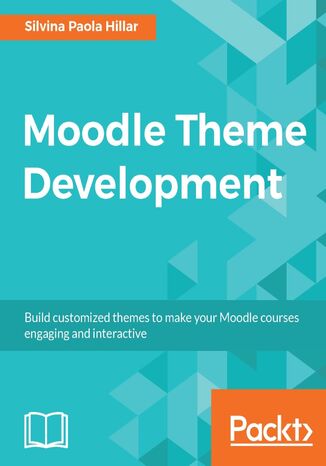
Silvina Paola Hillar
Theming is one of the main features of Moodle, and it can be used to customize your online courses and make them look exactly how you want them to,according to your target audience. If you have been looking for a book that will help you develop Moodle themes that you are proud of, and that your students will enjoy, then this is the book for you.We start off by introducing Moodle 3 and explaining what it is, how it works, and what tools you might need to create a stunning Moodle theme. We then show you how to choose and change the pre-installed Moodle themes in detailed steps, and explain what Moodle themes are and how they work. Next, we show you how to change an existing theme and test the changes that you have made.You can not only plan the customization of theme, but also tailor it using advanced Moodle theming processes; this book is your one-stop guide to creating your own personalized Moodle 3 theme.
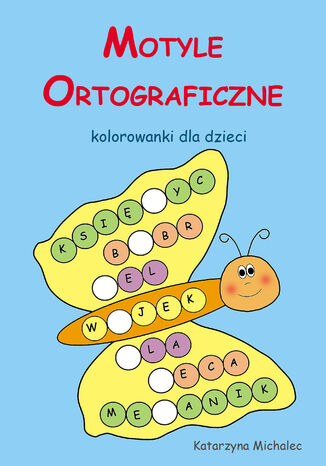
Motyle ortograficzne Kolorowanki dla dzieci
Katarzyna Michalec
Motyle ortograficzne to doskonały sposób utrwalania poprawnej pisowni poprzez zabawę. W książce znajduje się 210 wyrazów do uzupełniania głosek h, ch, ż, rz, u, ó. Ciekawym dodatkiem jest grafika w postaci motyla, którą dzieci mogą pokolorować.

Mundial. Z orlika na stadiony świata!
Wioletta Piasecka, Sebastian Piasecki
WEJDŹ DO GRY, W KTÓREJ LICZY SIĘ KAŻDA MINUTA! Ta książka to bilet na największe boiska świata czy to dla przyszłego króla strzelców, czy nieustraszonej bramkarki! "MUNDIAL. Z orlika na stadiony świata"" to absolutny must-have dla każdego fana i fanki futbolu. Szóstka przyjaciół, ciasne podwórko i jedno wielkie marzenie: być jak Lewandowski, Yamal czy Mbappe. Ale droga na szczyt to nie tylko efektowne gole. To także bolesne porażki, po których trudno się podnieść z murawy. Czy po fatalnym meczu, który podcina skrzydła i odbiera wiarę w sukces, przyjaciele zdołają uratować swoją drużynę? Czy przyjaźń wytrzyma próbę sił, gdy stawką jest gra o wszystko? A to dopiero początek emocji! W środku znajdziesz coś jeszcze! Oprócz wzruszającej i przezabawnej opowieści, przygotowaliśmy dla Ciebie MUNDIALOWY NIEZBĘDNIK: ⚽ 50 niesamowitych ciekawostek o Mistrzostwach Świata! Poznaj rekordy, historie i sekrety najważniejszego turnieju globu i zostań ekspertem, którego nikt nie zagnie! Poczuj emocje, poznaj fakty i wkrocz do świata wielkiej piłki!

Na dzielenie sposób nowy, samo wchodzi ci do głowy. łatwa nauka dzielenia
Adrian Markowski
Doskonały pomysł dla rodziców, którzy chcą, aby ich dzieci szybko opanowały dzielenie. Nie tylko tabliczka mnożenia, ale i dzielenia może sama wchodzić do głowy! Pomogą w tym zabawne, wpadające w ucho wierszyki, które pozostają w głowach uczniów. Dzięki błyskotliwym skojarzeniom pozwalają łatwo i bez wysiłku nie tylko nauczyć się tabliczki dzielenia w zakresie do 100, ale także zrozumieć, czym jest dzielenie i dlaczego nie musi sprawiać najmniejszych kłopotów. Pomoc dydaktyczna, zawierająca dowcipne wierszyki i pełne humoru ilustracje, sprawi, że dziecko będzie uczyło się z radością, a rodzicom da gwarancję, że ich pociecha nie pomyli się w dzieleniu przy szkolnej tablicy. Skuteczności metody dowiodła poprzednia publikacja autora - "Na tabliczkę sposób nowy, sama wchodzi ci do głowy". Adrian Markowski - pisarz i poeta, autor tomu opowiadań "Sąsiady" (zekranizowanego przez Grzegorza Królikiewicza), tomiku piosenek "Niebo nad Caryńską" oraz książki dla dzieci "Na tabliczkę sposób nowy, sama wchodzi ci do głowy", dziennikarz, redaktor i tłumacz, przez całe życie zawodowo związany ze słowem pisanym. Mieszka w Warszawie.
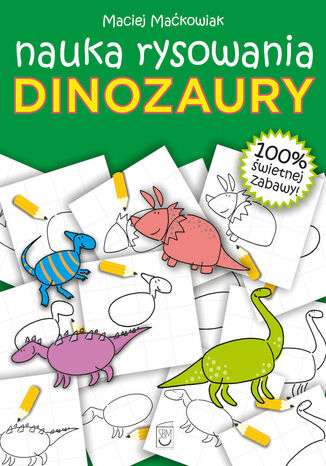
Maciej Maćkowiak
To książeczka, dzięki której nauczysz się rysować dinozaury. Na obrazkach, krok po kroku, przedstawiono, jak samodzielnie wykonać rysunki. 100% świetnej zabawy!
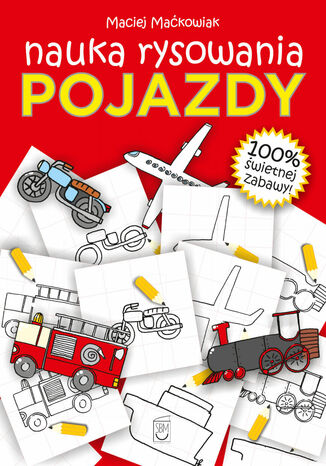
Maciej Maćkowiak
To książeczka, dzięki której nauczysz się rysować przeróżne pojazdy. Na obrazkach, krok po kroku, przedstawiono, jak samodzielnie wykonać rysunki. 100% świetnej zabawy!
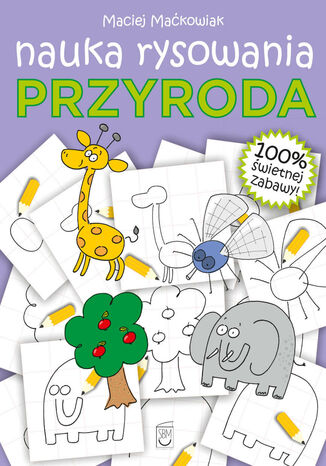
Maciej Maćkowiak
To książeczka, dzięki której nauczysz się rysować najróżniejsze elementy przyrody. Na obrazkach, krok po kroku, przedstawiono, jak samodzielnie wykonać rysunki. 100% świetnej zabawy!
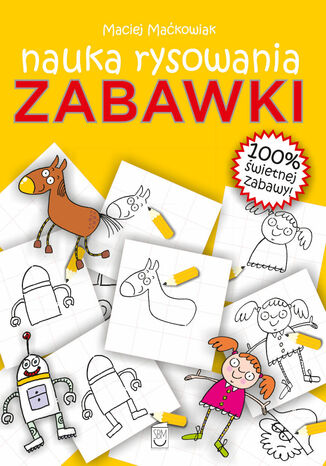
Maciej Maćkowiak
To książeczka, dzięki której nauczysz się rysować swoje ulubione zabawki. Na obrazkach, krok po kroku, przedstawiono, jak samodzielnie wykonać rysunki. 100% świetnej zabawy!